
#AC2C32 Hex Color
Online color picker to view shades, tints, color codes, and complementary colors
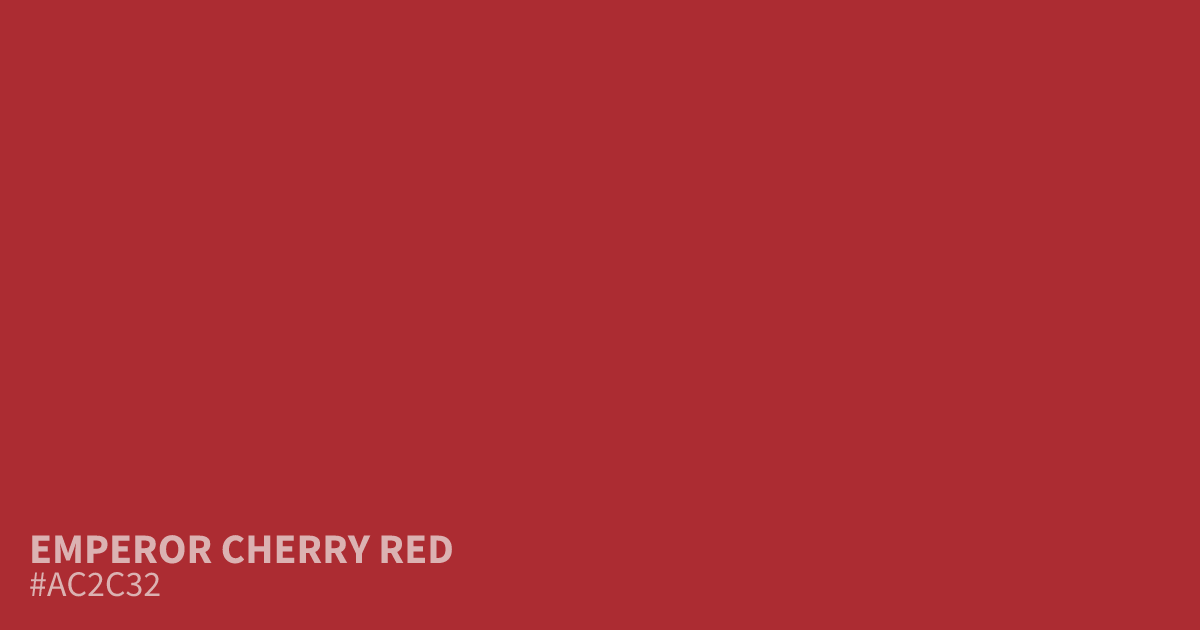
Emperor Cherry Red is a saturated brick shade with strong, earthy undertones that feel rustic and urgent. Because this bold color commands attention, it works best as a 10% accent rather than a full background. White text sits cleanly against the hex code #ac2c32, ensuring high readability for UI elements. Use it sparingly in branding or calls to action to maintain a serious, grounded aesthetic.
Questions about Emperor Cherry Red
What is the hex code for Emperor Cherry Red?
Emperor Cherry Red is #ac2c32. In RGB that is rgb(172, 44, 50), in HSL hsl(357, 59%, 42%) and in CMYK 0%, 74%, 71%, 33%. Browse more shades of brown with names and hex codes.
How should I effectively use Emperor Cherry Red in UI design?
Emperor Cherry Red functions best as a high-impact accent, covering only about 10% of your interface. Because of its saturated intensity, pairing it with off-white or light gray backgrounds ensures the color remains readable without overwhelming the user.
Does #ac2c32 have a warm or cool appearance?
This shade leans decidedly warm due to its strong, earthy brick undertones. It projects a serious, grounded, and rustic mood, making it a reliable choice for brands that need to communicate reliability or urgency without looking overly neon or playful.
Is Emperor Cherry Red readable on white or black?
Emperor Cherry Red has a 6.64:1 contrast ratio on white and 3.16:1 on black. WCAG asks for 4.5:1 for body text and 3:1 for large text, so on white it works for body text and on black it works only for large text (24px, or 18.5px bold). Try other pairs in the contrast checker.